
A dropdown on a client's checkout stopped positioning itself correctly for a slice of their mobile traffic. It took two days to find because nothing threw. The component had shipped in March, it had been reviewed, and the browser support tab on the project wiki was green for everything it used. The tab was not lying. It was written in March against a set of browsers the team had checked once, and then it sat there for five months being cited in code review by people who had not checked anything.
We have kept a document like that on every project since 2019. Different names, same object: a table of features, a column per browser, a last-updated date that is always older than you want it to be. In seven years it has never once stopped a bad merge.
In late July the Baseline Features audit landed in Lighthouse and Chrome DevTools. It walks what the page actually loaded, identifies the web platform features in use, and classifies each one into an interoperability state with a link back to the source location. That last part is the whole thing. A support matrix describes intent; an audit describes the build. We have run it across nine client codebases over the last six weeks and deleted three spreadsheets.
The spreadsheet was documentation pretending to be a control
The failure is not that the matrix goes stale, though it does. The failure is where it sits in the process. It is a wiki page consulted by whoever remembers it exists, at a moment when the decision has already been made and the branch is already open. Nothing in the pipeline reads it. Nothing fails when it is wrong. It is a document that describes a policy nobody enforces, and after a year it drifts into being a record of what someone believed about browsers on a Tuesday eighteen months ago.
We went looking for evidence that this was just our problem and could not find any. On the four projects where we still had the file in Git, the median gap between the last edit to the support matrix and the last dependency upgrade that changed what shipped to the browser was over four months. On one of them the matrix had never been edited after the initial commit.
“A feature is not supported because a table says so. It is supported because the browsers your users actually run shipped it long enough ago that you stopped hearing about it.”
That distinction is what Baseline encodes, and it is why the three states are worth more than a percentage. Widely available means the feature has been interoperable across the core browser set long enough for the long tail of devices to have caught up. Newly available means every one of those browsers has it, but the people on two-year-old phones who have not updated do not, and you cannot tell how many of those you have without looking. Limited means at least one of them does not support it at all. Those are three different engineering decisions and a green tick collapses them into one.
One policy per state, written down once
The audit gives you a classification. It does not give you a rule, and this is the part teams skip and then abandon the tool six weeks later, because an audit that reports fourteen findings and blocks nothing is just a longer spreadsheet. We wrote the policy first and the CI job second.
- Widely available— no gate, no discussion, no entry in any document. This is the majority of what any real build uses and treating it as a decision is how review budgets get burned on nothing.
- Newly available— allowed, but it must degrade. The rule is that the page has to remain usable without the feature, verified by someone actually disabling it rather than asserting it in a PR description. If the answer is “it breaks,” it is treated as Limited.
- Limited availability— fails the build in first-party code unless there is a named exception with an owner and a date. Not a comment, not a Slack thread. A line in the config, reviewed the same way a lint rule suppression is.
The exception file is the part that makes this survivable. A gate with no escape hatch gets switched off the first Friday it blocks a release everyone has already announced, and then it is off forever. A gate with an escape hatch that requires a name and an expiry date gets kept, because the cost of using it is thirty seconds and the cost of ignoring it is a failed pipeline.
Most of the findings were never in our code
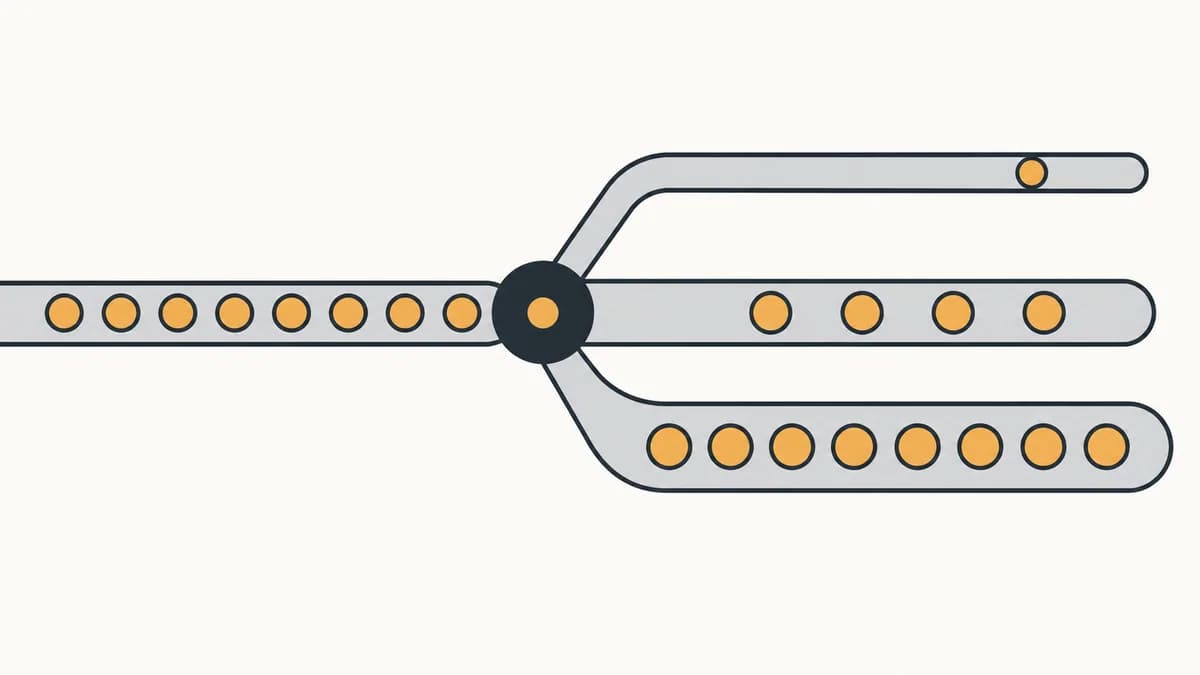
Here is the result we did not expect. Across those nine codebases, the majority of Limited-availability findings came from third-party scripts, not from anything our team wrote. Analytics bundles, a consent manager, two chat widgets, a payment SDK. The audit reports on features in first-party code, in third-party scripts, and in active browser extensions, which is the first time most of us have had a list of what the tags on our own pages are doing to the browsers we support.
The extension finding matters mostly as a source of noise, and it is the first thing to handle or the tool loses credibility on day one. Run the audit in a clean profile. An engineer's daily browser has a password manager, an ad blocker and three developer extensions injecting code into every page, and if the first report anyone sees is full of features nobody on the team has heard of, the conclusion will be that the audit is broken rather than that the profile is dirty.
With that out of the way, the split becomes the useful output. Our code is our problem and blocks. Vendor code is a conversation with the vendor and a decision about whether the vendor stays. Neither is served by a single pass-or-fail number, so the gate reads the report and separates them before it decides anything.
Twenty lines, and the expiry check is the one that does the long-term work. Every exception we grant becomes a finding again on a date somebody chose deliberately, which means the file cannot quietly become the new support matrix. That was the actual risk of this whole exercise: replacing a stale document with a stale JSON file and calling it a gate.

What the gate is and is not
- It is evidence for a review, not an automatic mandate to polyfill. A Limited finding on a decorative enhancement and one on a checkout control are the same line in the report and completely different decisions.
- Run it in a clean browser profile. Extension-injected features will otherwise dominate the first report and cost you the team's trust in the tool.
- Split first-party from vendor findings before you decide anything, or the gate blocks on code you cannot edit and gets disabled within a fortnight.
- Every exception needs an owner and an expiry date. Without the date, the exceptions file becomes the support matrix you just deleted.
- Attach the report to client handover. "Here is every platform feature this build uses and its interoperability state" is a stronger artefact than any browser table we have ever shipped.
If you only change one thing
Run the audit once against production, in a clean profile, and read the third-party section before anything else. You will not get a browser support answer out of that first run and you should not expect one. You will get an inventory of what your pages actually load, which is the thing the spreadsheet was always guessing at.
Then delete the matrix. Not archive, not mark deprecated. Delete it, because as long as it exists someone will cite it in review, and a document that gives a confident answer without checking anything is worse than having no document at all. The gate is the policy now. If the gate is wrong, that is a bug in a file with a git history and an owner, and it gets fixed the way bugs do.
Six weeks in, the honest scorecard is modest. We have not shipped fewer features and we have not stopped using new platform APIs. Two things changed: nobody argues about browser support in code review any more, and we found out that most of what was risky on our clients' pages was code we did not write and had never audited. The second one is worth more than the first.