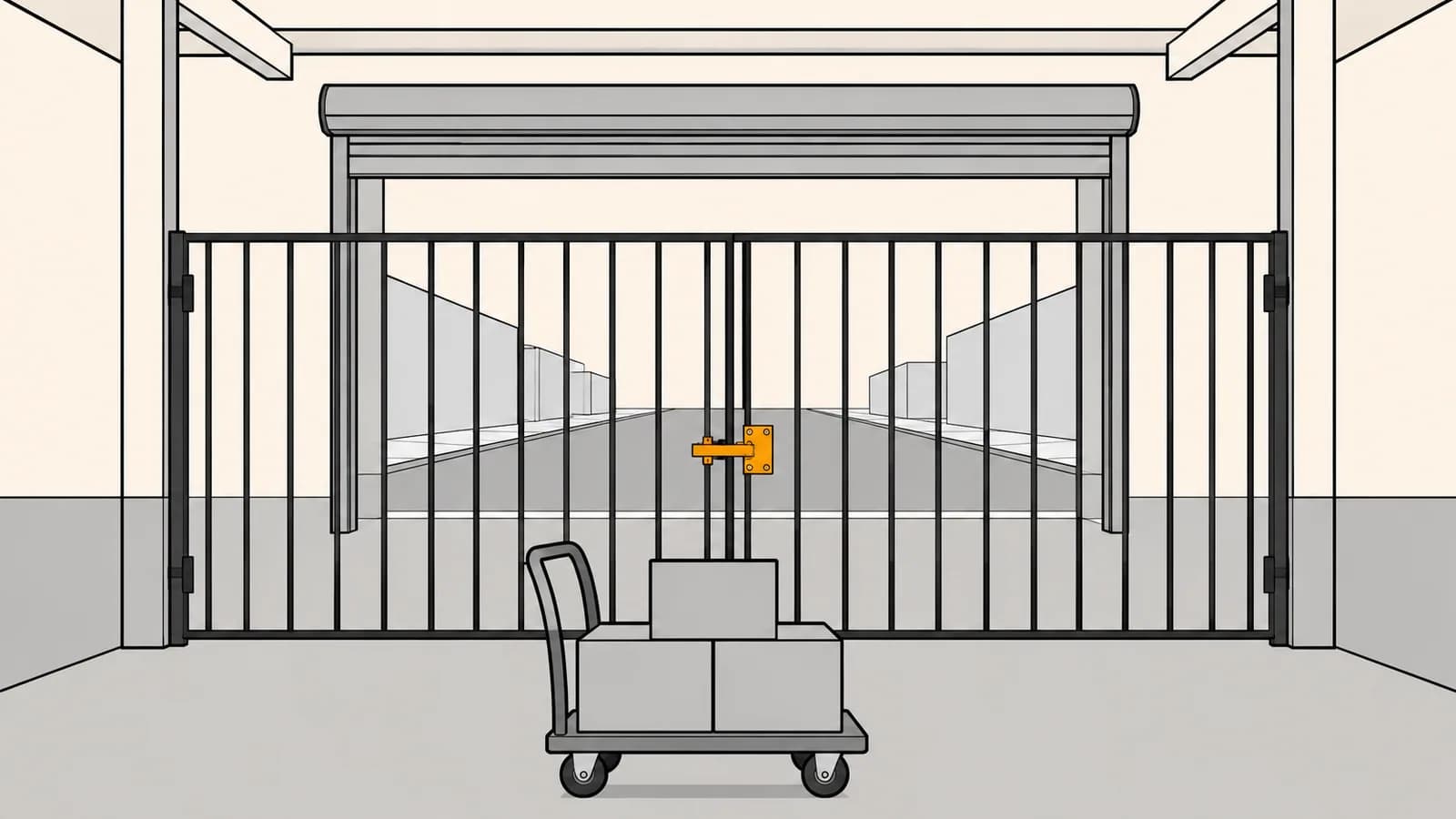
The ticket never says "permission". It says the label printer has stopped working, or the weighing scale shows zero, or the POS terminal cannot find the cash drawer any more — on some machines, not all of them, and only in the browser. The hardware is fine. The network is fine. The only diagnosis the page itself can produce is that a fetch failed, which is the same thing it would say if the agent were not running, or the port had changed, or DNS had gone sideways.
What actually changed is a permission. Since Chrome 142, a request that crosses from a less private address space into a more private one — a public page reaching a local IP, or a public or local page reaching loopback — is gated behind a user prompt. That prompt is the one asking whether the site may "look for and connect to any device on your local network", and it is the one a lot of people reflexively dismiss. The purpose is sound: without it, any page you open can quietly probe your router, fingerprint your LAN, and fire cross-site requests at devices that were never built to defend themselves.
We ship these integrations for clients — print controllers in warehouses, scanners in document-heavy back offices, kiosk companions, store hardware behind a web POS — so we have been living inside this change rather than reading about it. The part that caught us was not Chrome 142. It was Chrome 147, which extended the same restriction to WebSocket and WebTransport connections, and to WindowClient.navigate() inside service workers. The companion-agent-on-loopback pattern, where an installed helper opens ws://127.0.0.1 and the page talks to it, had been quietly exempt. It is not exempt now. Firefox 154 took its own local-network protection to WebSockets in August, including from workers, so this stopped being a Chromium-only concern at the same time.
This post is the comparison we wish we had had in front of us a year ago: the architectures available for reaching a device on the user's side of the connection, and what each one actually does when the user says no.
The boundary is the address space, not the device
The model is a privacy lattice over IP address spaces: public, then local, then loopback, each more private than the last. Nothing is checked while you stay inside one space or move outward. The permission check fires only on a crossing inward — public to local, public to loopback, local to loopback. That framing matters, because it tells you immediately which parts of your system are affected and which are not. Your own API is not affected. A device that dials out to your API is not affected. A page that reaches into the network the user is sitting on is.
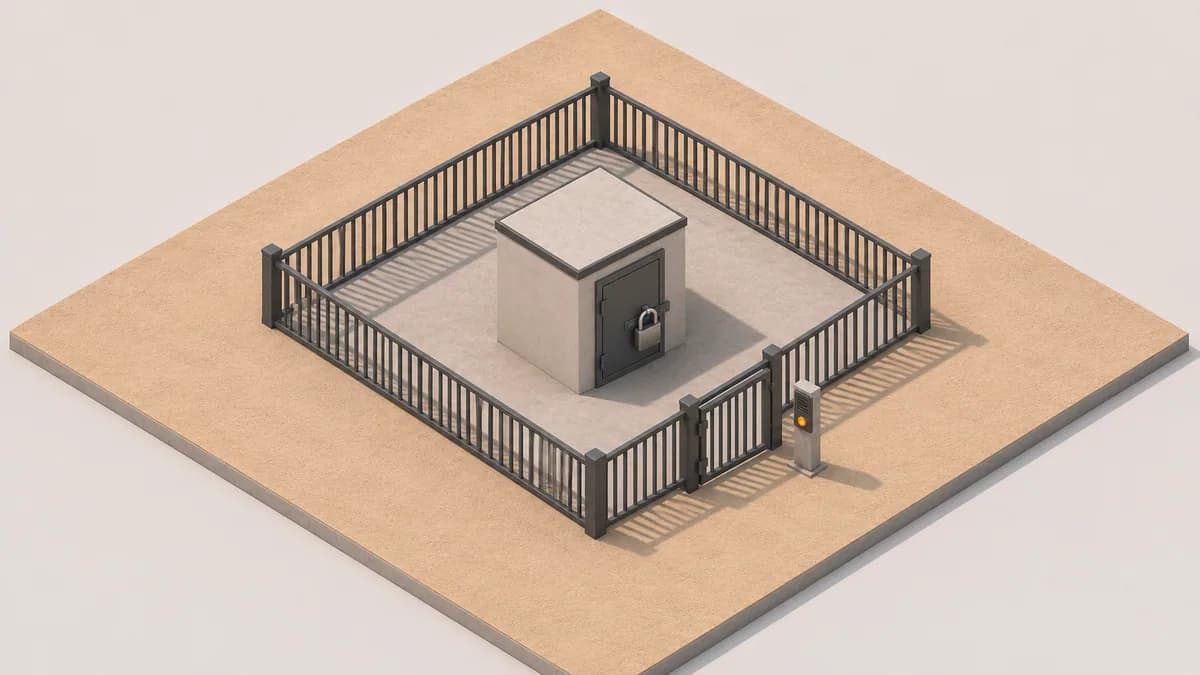
Chrome and Edge 145 split the original single permission into two: local-network and loopback-network, with the old local-network-access name kept only as a legacy alias. If you are feature-detecting or querying permission state, that split is the first thing that will bite you, because querying the alias is no longer a reliable read of what the browser will actually do with your next request.
Four more details decide whether your existing code works at all. Both permissions are Permissions-Policy gated with a default allowlist of 'self', so an integration living inside a cross-origin iframe — a widget, an embedded plugin, a vendor panel — needs allow="local-network; loopback-network" on the iframe and a matching header on the top-level document, or it is denied before any prompt appears. The permissions are denied automatically in an insecure http:// top-level context, so a shop-floor page still served over plain HTTP cannot even ask. Once granted, the permission relaxes mixed-content blocking for those requests, which is the concession that makes this workable at all, since local devices largely cannot hold publicly trusted certificates. And the browser only knows to apply that relaxation before resolution if the target is obviously local — a literal local IP, a .local hostname, or a fetch carrying an explicit targetAddressSpace.
That last option is also a trap worth knowing about. If you declare targetAddressSpace: 'local' on a hostname that turns out to resolve to a public address, the request is aborted immediately with a TypeError rather than being sent anywhere. That is the correct behaviour — you asserted something about the destination and the assertion was false — but it produces a "Failed to fetch" that looks exactly like every other failure in this family.
Twenty lines, and most of the value is in the last five. The browser gives you one undifferentiated failure for four completely different situations, each with a different fix and a different support script. Asking the Permissions API first is the only cheap way to tell "the user has blocked us" apart from "the helper is not installed", and those two tickets should never reach the same queue.
Four ways in, compared by what happens on a no
Pick the architecture by its denial behaviour, not by how clean the happy path looks. All of these work when permission is granted. They diverge completely when it is not, and in consumer or bring-your-own-device contexts a meaningful share of users will dismiss any prompt on reflex.
| Architecture | What gates it | What a denial does | Worth it when |
|---|---|---|---|
| Page fetches the device directly, by LAN IP or .local name | local-network permission, per origin, HTTPS top-level only | Every call fails as a generic network error; retrying does not re-prompt | Internal tools on a managed fleet where policy can pre-grant |
| Installed companion agent on loopback (HTTP or WebSocket) | loopback-network permission; WebSocket and WebTransport included since Chrome 147 | Same failure, and your installer cannot fix it — the grant belongs to the web origin, not the machine | Hardware with no usable network stack, where you already ship an installer |
| Device or agent dials out to your own backend | Nothing in the browser; no inward address-space crossing happens | Not applicable — the page never touches the local network | Anything you can still design from scratch, and all unmanaged traffic |
| WebSerial, WebHID or WebUSB to directly attached hardware | Per-device chooser on a user gesture, plus Permissions-Policy serial, hid or usb | Scoped to one device, re-triable on the next gesture, and legible to the user | Scales, badge readers, card readers, anything on a cable |
| Enterprise policy pre-grant | LocalNetworkAccessAllowedForUrls on a managed browser | No prompt at all — and no coverage one metre outside the managed fleet | Kiosks and back-office fleets you control end to end |
1. The page talks to the device
This is the pattern almost everybody has, because for fifteen years it was simply how you did it: the dashboard knows the printer is at a LAN address, and it posts to it. It is the cheapest thing to build and the most exposed thing to run, because every single call sits behind a permission the user granted once, in a modal, possibly months ago, in a flow where they had no idea what the hardware was for.
Keep it only where you can also set policy. On a managed fleet, LocalNetworkAccessAllowedForUrls makes this a non-issue, and the two policies added in Chrome 146 — LocalNetworkAccessIpAddressSpaceOverrides and LocalNetworkAccessPermissionsPolicyDefaultEnabled — let an administrator correct address-space classification and policy defaults for networks that do not look the way the browser assumes. Off a managed fleet, treat every call as if it may be refused, because it may be.
2. The companion agent on loopback
The agent pattern was always the robust answer to the first one: install a small local service, give it a stable port, let it own the vendor SDK and the driver mess, and have the page speak a clean protocol to 127.0.0.1. It is still a good pattern. It just lost the property everyone was unconsciously relying on, which was that loopback felt like part of the application rather than part of the network.
The uncomfortable consequence is that the fix now lives on the wrong side of the boundary from your installer. Your installer runs with the user's blessing, can create services and firewall rules, and can verify its own health — and it cannot grant the web origin loopback-network permission, because that grant is a property of the browser profile and the origin, not of the machine. Shipping a better installer does not help. Only the page can ask, and only in a window.
If you are on this pattern, the Chrome 147 change is the one to act on: a helper reached over ws://127.0.0.1 is now subject to the same permission as a fetch to it, and the WebSocket API gives you even less diagnostic detail on failure than fetch does. Probe over HTTP first, establish the grant and the diagnosis there, and only then open the socket.
3. The device dials out
Invert the direction and the entire problem disappears. The device, or an agent next to it, holds an outbound connection to your backend and polls or subscribes for work. The browser asks your API for status and posts jobs to your API. No request ever crosses inward, so no permission is involved, and nothing on this path can be broken by a browser release or a dismissed modal.
The costs are real and you should name them rather than discover them: you now run a relay, you own job state and idempotency, offline behaviour becomes your problem instead of the LAN's, and a site with no internet loses a function that used to work on a dead link. In exchange you get a path that is uniform across browsers, works on mobile, works on an unmanaged laptop, and survives a user who clicks Block on everything. For anything we are designing today rather than maintaining, this is where we start.
4. Direct-attached device APIs
If the hardware is on a cable, WebSerial, WebHID and WebUSB are a different permission model, not a milder variation on this one. There is no address space being crossed, so Local Network Access never enters the picture. Instead the user picks a specific device from a browser chooser during a real user gesture, and the origin holds permission for that device. Permissions-Policy still applies, through the serial, hid and usb directives, so iframes need the same care as above.
The denial behaviour is the best of any option here, and that is the real argument for it. A cancelled chooser is a scoped, legible, re-triable event: the user cancelled, your UI can say so, and the next button press opens the chooser again. Compare that to a dismissed network prompt, which silently poisons every call to every device for that origin until somebody finds site settings. The ceiling is lower — you are implementing a device protocol yourself, and support is uneven outside Chromium — but where it fits, it fits well. Chrome 147 also shipped a Web Printing API, though only for Isolated Web Apps, which is a narrow enough target that it is worth watching rather than planning around.
Denied is a state, not an error
Almost every bug we have fixed in this area was the same bug wearing different hardware: the application had no representation for "the user said no." It had a success path and a catch block, and the catch block retried. Retrying does not help, because the prompt does not reappear on a second request — once the answer is recorded, every subsequent call fails straight away. A retry loop against a denied permission is a spinner that never stops, and a support call that blames the printer.
- Query before you call — read
loopback-networkorlocal-networkthrough the Permissions API and branch on it. Adeniedstate deserves instructions, not a request. Do not query the legacylocal-network-accessalias and assume it reflects reality on current Chrome. - Ask at a moment the user can connect to a cause— the prompt is raised by the first qualifying request, so you choose when that happens. A prompt fired on page load, before any hardware is mentioned, is a prompt about nothing. One fired from a “Connect printer” button is a question with context, and gets a much better answer.
- Write the recovery UI, with the real path— the user has to re-enable it in site settings, and nothing you can call will reopen the prompt for them. That means screenshots and the actual menu names inside your own product, not a line of text saying permission was denied.
- Give workers a grant to inherit— a service or shared worker cannot raise this prompt on its own. The origin has to obtain the permission in a window first, and a service worker without an associated document may still fail. Background sync of device state is therefore not the place to discover your permission status.
- Clear UI state in `finally`, always — the failure arrives as an immediate rejection on a path that used to take a second or two, which is exactly the timing that exposes every optimistic update and every spinner you forgot to unset.
There is one more reason to design for denial rather than for policy: the soft landing is temporary by construction. The LocalNetworkAccessRestrictionsTemporaryOptOut policy, which demotes the block to a DevTools warning on managed browsers, has been on a removal track since it shipped. Chrome's own feature tracker lists the removal in Chrome 156, which reached stable on 20 October 2026; the enterprise policy list and the Chromium source say it will be removed after M163, which would be months later. We are not going to pretend to know which is right. That is the point — an escape hatch whose removal milestone has already moved once is a migration window, not an architecture.
What we test now, on real devices
None of this reproduces on a developer machine. Localhost development is routinely exempt, the grant is already sitting in your profile from last week, and your laptop is not on a corporate network with a captive portal and private DNS. The timeline below is what we check a client's integration against, and the matrix after it is deliberately boring — it is the only thing that has caught these for us.
| Milestone | What changed | What it means for an existing integration |
|---|---|---|
| Chrome 142 | Permission prompt for local and loopback requests, covering fetch, subresources and subframes | Direct-to-device calls start failing for anyone who dismisses a modal |
| Chrome / Edge 145 | Permission split into local-network and loopback-network; old name kept as an alias | Permission queries written against the original name need updating |
| Chrome 146 | LocalNetworkAccessIpAddressSpaceOverrides and LocalNetworkAccessPermissionsPolicyDefaultEnabled added | Managed fleets can correct address-space classification and policy defaults |
| Chrome 147 | Restriction extended to WebSocket and WebTransport, plus WindowClient.navigate() in service workers | The loopback companion-agent pattern loses its de facto exemption |
| Firefox 154 | Local network protection extended to WebSocket connections, including from workers | Fallback design can no longer be scoped to Chromium only |
| Safari | No Local Network Access implementation; macOS applies its own local network permission at OS level | Grant state can live outside the browser, where your code cannot read it |
| Chrome 156 | Chrome's feature tracker lists removal of the temporary opt-out policy; the policy list says after M163 | Warn-only mode has an expiry date, even if the date is still moving |
- 1First run on a clean profile— the only state in which you will ever see your own prompt. Keep a scripted fresh-profile launch in the repo, because nobody does this by hand twice.
- 2Explicit deny, then dismiss— two different states, and in the dismissed case the browser may ask again later while your code has already given up. Both need a screen.
- 3Permission reset mid-session— a user revoking in site settings while your socket is open. This is where long-lived connections and cached capability flags go wrong.
- 4The embedded case— your integration inside a cross-origin iframe, with and without the
allowattribute and the matching header, since the default allowlist is‘self’and the failure there precedes any prompt. - 5HTTP-only hardware and odd DNS— a device that cannot hold a certificate, a
.localname, a hostname that resolves publicly on a guest network. The last one is thetargetAddressSpaceTypeError, and it reads like an outage. - 6A managed browser, both ways— with the allowlist policy applied and without it. If QA only ever runs on the managed image, you have tested the one configuration your customers’ own laptops do not have.
If you only change one thing
The browser has made an architectural decision on your behalf: reaching into the user's network is now a privilege that the user grants and can take back, in the same category as the camera or the microphone. Integrations built when it was ambient connectivity are now built on a permission, and most of them do not know it.
Five changes that took this out of our support queue
- Classify the failure before you report it. Query the Permissions API first so "blocked by the user", "helper not installed", "helper erroring" and "hostname resolved publicly" become four different messages instead of one failed fetch.
- Move the prompt onto a user action that mentions the hardware. You control when the first qualifying request fires, and a prompt attached to a Connect button is answered far better than one fired at page load.
- Give every device feature a designed degraded mode. A queue on your backend, a download, a hand-off to a phone — anything that is not a dead button. Decide what it is before the first denial, not during an incident.
- Stop treating loopback as inside the application. Since Chrome 147 a WebSocket to 127.0.0.1 is gated like any other local request, and no installer you ship can grant that permission on the web origin's behalf.
- Invert the direction for anything new. A device or agent that dials out to your backend never crosses an address-space boundary, so it cannot be broken by a browser release or a dismissed modal — at the cost of a relay you now operate.
We have not retired the other patterns, and you should not either. Managed fleets with policy control still make the direct call perfectly reasonable; cabled hardware is better served by a chooser than by a network request; and plenty of installed agents will outlive all of us. What changed is the default assumption. A device integration is no longer a networking problem with a permission attached. It is a permission problem that happens to involve a network, and the quality of the integration is now decided almost entirely by what it does on the day somebody clicks Block.